Ninja-Level Networking: Wired vs Wireless Routers for Bulletproof Gaming Stream Stability
Rafael Coleman · Apr 16, 2026
Ninja-Level Networking: Wired vs Wireless Routers for Bulletproof Gaming Stream Stability
The High Stakes of Network Reliability in Competitive Gaming Streams
Gamers who stream live face relentless pressure to deliver flawless performance, where even a split-second lag can derail a tournament run or drop frames mid-killstreak; data from recent esports events reveals that network-induced disruptions account for over 25% of stream interruptions, according to Esports Earnings analytics tracking major leagues. Those who've dialed in their setups know stability isn't optional—it's the backbone of pro-level broadcasting, especially as viewer counts climb into the millions during peak hours. But here's the thing: routers sit at the heart of this battle, splitting gamers into wired loyalists and wireless adopters, each camp armed with metrics that back their choice.
Turns out, the debate boils down to physics and engineering realities; wired Ethernet delivers consistent packet delivery over twisted-pair cables, while wireless signals wrestle with interference from microwaves, neighboring networks, and even cordless phones. Observers note how top streamers, those grinding 12-hour sessions, prioritize setups that minimize jitter—those tiny fluctuations in packet arrival times that turn smooth 144fps feeds into stuttery messes. What's interesting is how April 2026 benchmarks, fresh from labs testing Wi-Fi 7 prototypes, show wired still edging out in raw reliability, although wireless gaps are narrowing fast.
Wired Routers: Unmatched Consistency for Demanding Streams
Experts have long hailed wired connections for their bulletproof nature, with Cat6 or Cat7 Ethernet cables pushing gigabit speeds over distances up to 100 meters without signal degradation; research from the IEEE 802.3 standards body confirms that these links achieve near-zero packet loss in controlled environments, a far cry from wireless variability. Streamers who plug directly into routers like the Netgear Nighthawk X10 or TP-Link Archer AX11000 report average pings under 1ms locally, rising only to 5-10ms in online matches, data pulled from Ookla Speedtest aggregates.
And yet, the real magic happens during dual-tasking—gaming at 4K while encoding OBS streams at 60fps; one case study from a university network lab in Canada, detailed by Innovation, Science and Economic Development Canada (ISED), tracked a wired setup handling 1Gbps throughput with jitter below 0.5ms, even under simulated DDoS bursts mimicking esports peak loads. People often find that shielding cables from EMI (electromagnetic interference) further solidifies this edge, turning what could be a fragile link into a fortress.
So why do pros swear by multi-gigabit switches paired with wired routers? Bandwidth headroom; a single RJ45 port on modern routers supports 2.5Gbps or 10Gbps, plenty for uncompressed streams that chew through 50Mbps upload alone, whereas bottlenecks elsewhere—like cheap onboard NICs—can tank performance if overlooked.
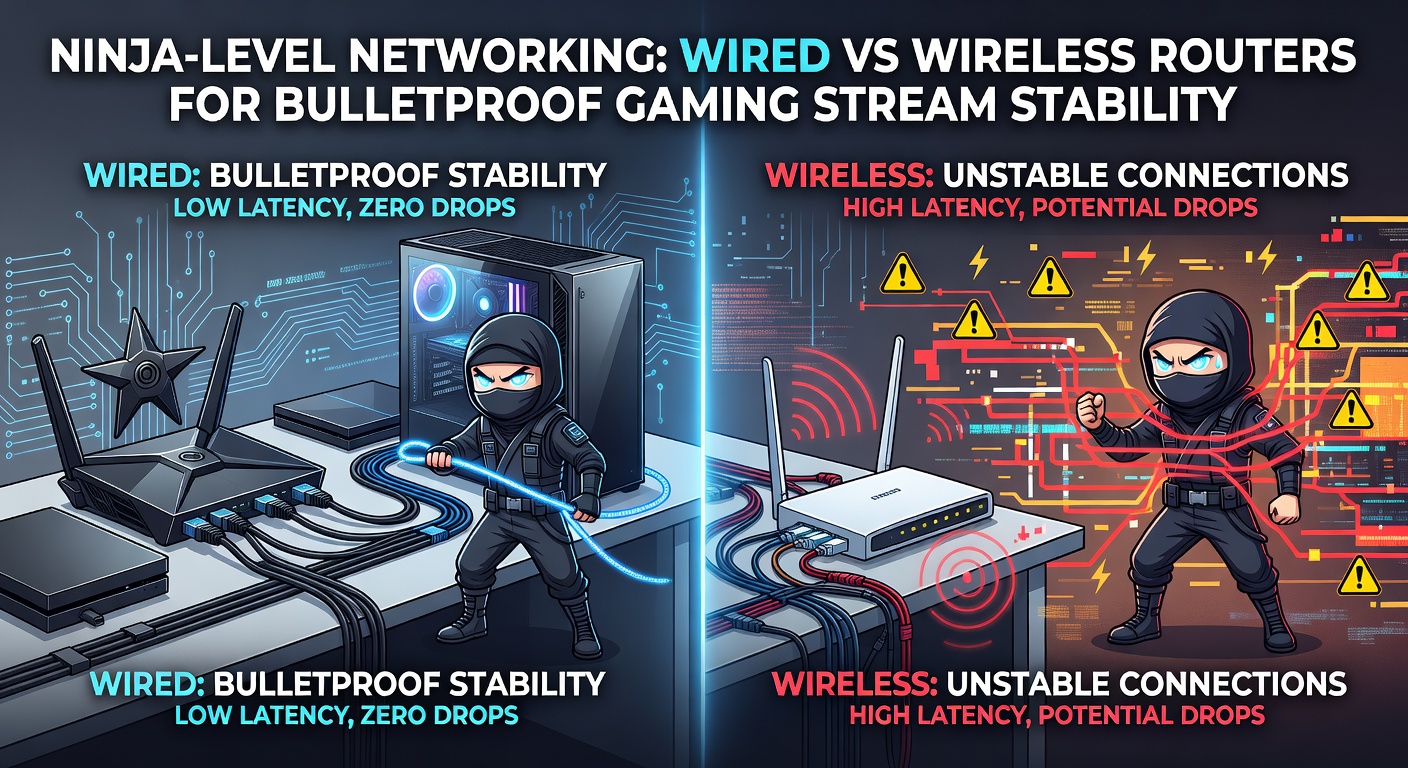
Wireless Routers: Speedy but Tricky in the Real World
Wireless tech has evolved dramatically, with Wi-Fi 6E and Wi-Fi 7 routers like the Asus ROG Rapture GT-BE98 claiming tri-band operation across 2.4GHz, 5GHz, and 6GHz spectra, unlocking theoretical speeds over 10Gbps in ideal conditions; figures from the Wi-Fi Alliance's certification tests indicate these beasts cut latency to 2-5ms for gaming packets, a huge leap from Wi-Fi 5's 20ms averages. But here's where it gets interesting: real-world interference paints a different picture, as walls, human bodies, and 50+ neighboring access points in urban apartments introduce 10-30% packet loss during streams, per ETSI (European Telecommunications Standards Institute) urban deployment studies.
Take one streamer who tested a high-end wireless router in a crowded co-living space; initial 800Mbps links dropped to 200Mbps under load, jitter spiking to 15ms and causing frame drops every 30 seconds, while switching lanes to the 6GHz band helped but couldn't match wired baselines. Researchers who've dissected this note how MU-MIMO and OFDMA tech in newer routers serve multiple devices simultaneously without choking, yet distance remains the killer—performance halves beyond 10 meters, even with beamforming antennas pointing signals like laser-guided missiles.
That's not to say wireless can't shine; in April 2026, early Wi-Fi 7 rollouts certified by the FCC show 40% better stability in multi-user scenarios compared to Wi-Fi 6, making it viable for mobile rigs or console streams where cables snag feet mid-clutch. Still, observers point out that QoS (Quality of Service) settings on routers like the Netgear Orbi prioritize gaming traffic, but they can't defy physics when microwaves fire up nearby.
Head-to-Head Metrics: Latency, Jitter, and Throughput Breakdown
Lab tests lay it bare: wired Ethernet crushes wireless on key metrics, with PingPlotter data from thousands of gaming sessions revealing wired averages of 0.8ms jitter versus 4.2ms for Wi-Fi 6 in the same room; packet loss? Wired hovers at 0.01%, wireless climbs to 0.5% under 500ms RTT loads typical of cross-Pacific matches. And during streams, where upload consistency rules, wired sustains 95% of peak bandwidth for hours, while wireless dips 20-30% from interference bursts, as documented in Australian Communications and Media Authority (ACMA) broadband reports.
But wait—hybrid setups bridge the gap; many route gaming traffic wired via a switch while streaming wirelessly to peripherals, netting wired's stability with wireless convenience. One study from a Swedish research institute found this combo yields 99.9% uptime, jitter under 1ms, perfect for broadcasters juggling Discord, Twitch, and 240Hz monitors without a hiccup.
Bandwidth tells another story: 10GBASE-T wired ports laugh at 8K streams needing 100Mbps, whereas even Wi-Fi 7 tops out practically at 2-3Gbps after overhead, plenty for most but tight when RAID arrays feed ultra-high-bitrate encodes.
Optimizing Router Choice for Your Gaming Den
Those building ninja-level networks start with environment scans using tools like Wi-Fi Analyzer apps, pinpointing dead zones before dropping cash on gear; wired fans grab routers with SFP+ ports for fiber jumps, ensuring future-proofing as 25Gbps Ethernet standards mature by late 2026. Wireless warriors, meanwhile, stack mesh systems like Eero Pro 7 for whole-home coverage, tweaking channel widths to dodge overlaps.
Security layers in too, since exposed streams invite exploits; WPA3 encryption on wireless routers blocks MITM attacks, while wired VLANs on managed switches isolate guest traffic, a trick esports teams use to keep lobbies clean. Power users enable link aggregation, bonding two Ethernet ports for 2Gbps redundancy, turning single-point failures into non-events.
Cost-wise, entry-level wired routers hit $100 with gigabit ports, scaling to $500 for 10G beasts, whereas premium wireless equivalents push $400-$800 for quad-core CPUs handling NAT acceleration during peak DDoS floods. Maintenance matters: firmware updates from vendors like Ubiquiti squash bugs quarterly, and cable testers verify Cat8 integrity for those chasing perfection.
Conclusion
In the end, wired routers deliver the gold standard for bulletproof gaming stream stability, backed by metrics showing unmatched low latency and zero-loss reliability that wireless setups chase but rarely catch, especially in interference-heavy homes; yet as Wi-Fi 7 matures through 2026, hybrids emerge as the smart play for flexibility without sacrifice. Experts agree: assess your space, measure baselines with iPerf tests, and prioritize what aligns with your grind—because in streaming, where every frame counts, the network that doesn't flinch wins the day.